
Free · No commitment · 30 days
Try Samedis.care for 30 days
You can test Samedis.care for 30 days in full, free of charge and with no subscription trap — using your own data. Once you’re convinced, you can pick the right subscription for your institution directly inside Samedis.care.
Start now! Your Samedis.care setup in just a few steps.
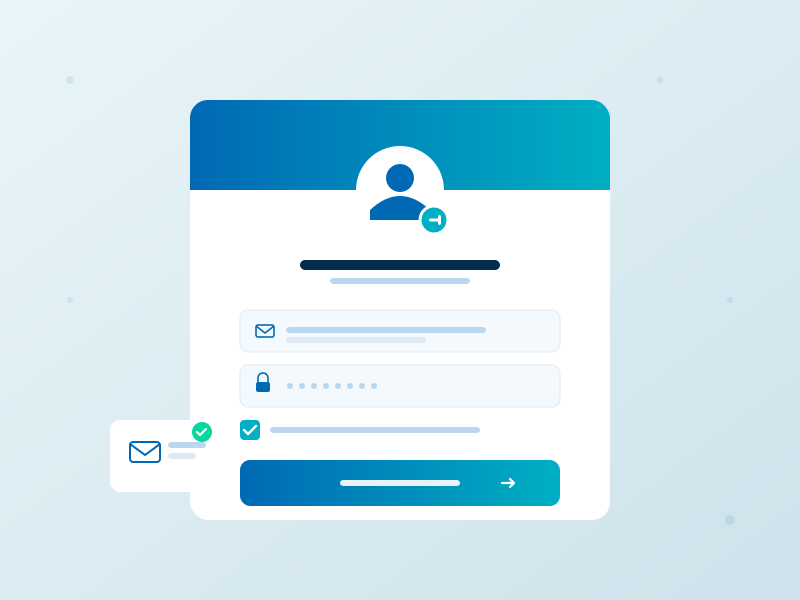
Step 1
Create your user account
If you’re using Samedis.care for the first time, create a free user account first. This account gives you access to every facility you create or get invited to.
Note: If you already have an account and simply want to add another facility, you can skip this step.
If you don’t receive the confirmation e-mail after registering, please check your spam folder.
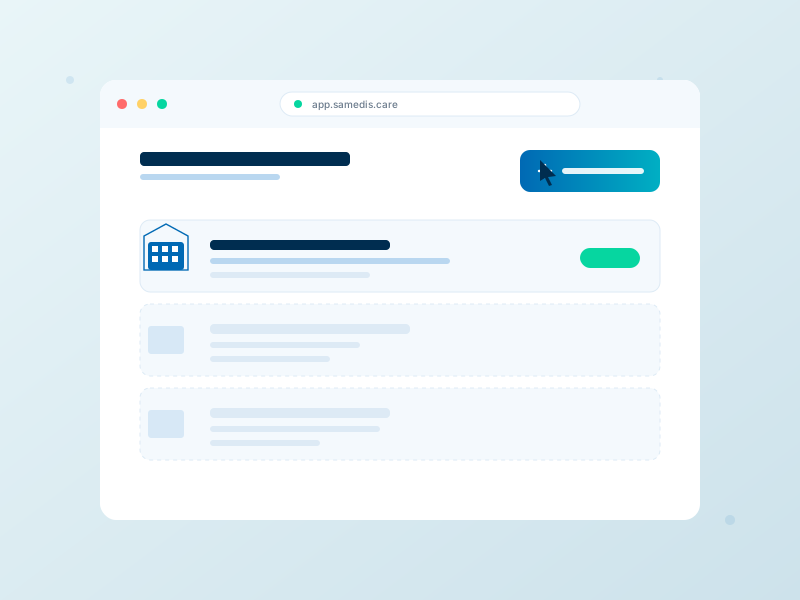
Step 2
Create a facility
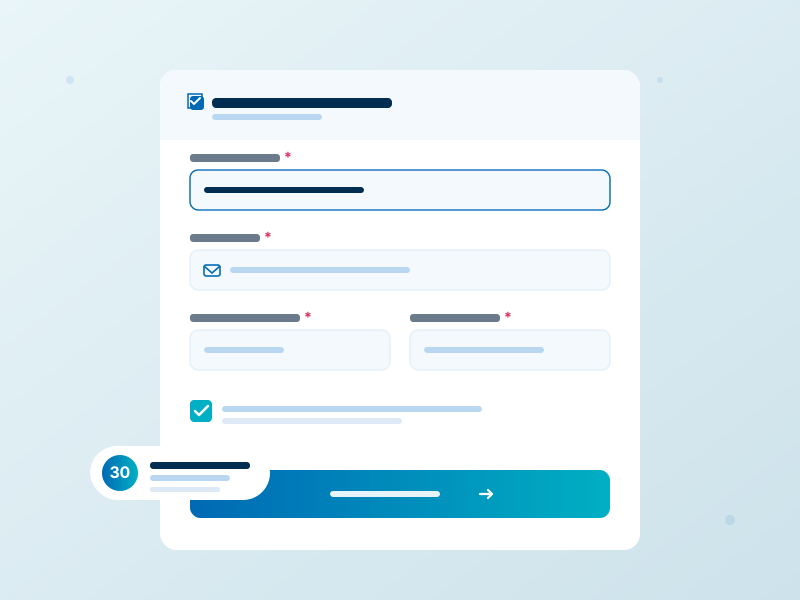
Step 3
Fill in your facility data
Fill in at least every field marked with a *, accept the terms of use and create the facility.
Reminder: No risk, no automatic payments. You can test everything free of charge for 30 days.
Note: The facility’s e-mail address is used for communication between Samedis.care and the institution. It’s easiest to use your own address at first — you can change it later at any time.
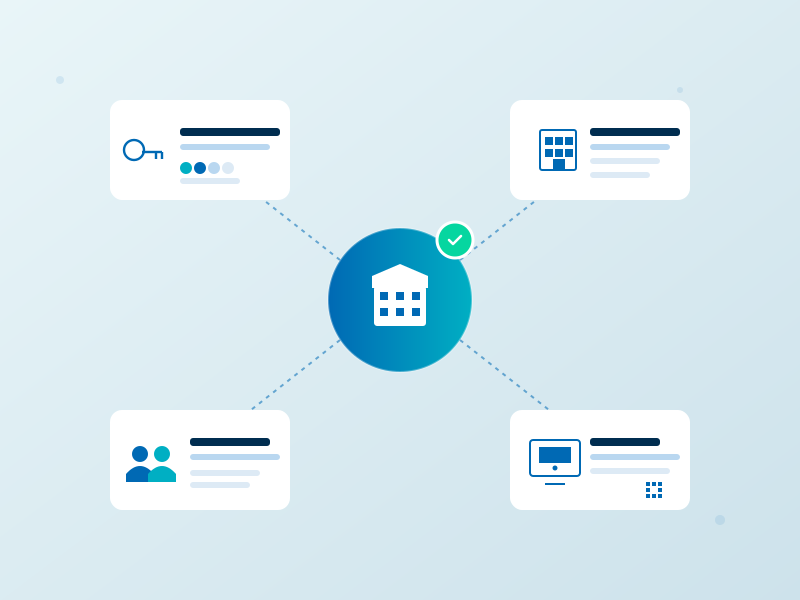
Step 4
Add your master data — and go
Once your facility is created, you can get started right away:
- Invite colleagues via My facility → Access management.
- Map the structure of your institution with departments and device locations.
- Add people you want to document training sessions for under Staff.
- Register your inventory under Devices / device data.
Need a hand setting up the master data? We’re happy to help — via chat or through our contact page.
Have fun with Samedis.care!
All clear?
Then hit the button below and test Samedis.care for 30 days — free of charge, no credit card, no obligation.